Starting a secure session
2 min
Once client setup and terminator setup is completed, follow the steps below to establish a secure session.
Open the Keystrike client
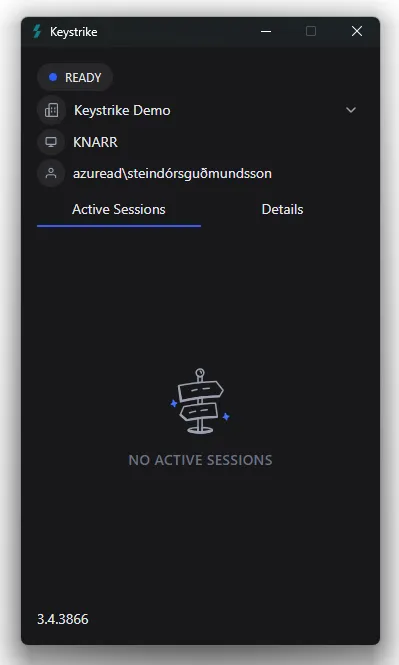
The client UI can be opened from the system tray in the bottom right corner of the user's main screen (Windows) or the status menu bar in the top right corner of the user's screen (Mac).
The client should display "Ready" in the top right corner indicating an established connection to the Keystrike Dispatch. Resolve any network issues if that is not the case.
Connect to the remote machine
Start a Remote Desktop or SSH session to the server running the terminator.
As a Keystrike secure session is established, the status in the top right corner changes to "Active Session" and the name of the remote server appears in the "Active Sessions" list in the client.