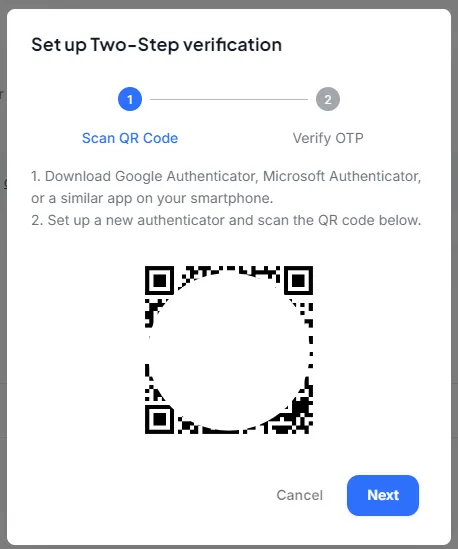
Multi-Factor Authentication (MFA)
2 min
If you are using password login (as opposed to Single Sign On), enable Multi-Factor Authentication (MFA) to secure access to your organization’s Admin Panel.
It is strongly recommended to use MFA or SSO, and not only password to log into Keystrike's Admin Panel, for increased security.
To enable MFA for your administrator account
1. Log in to the Keystrike Admin Panel2. Navigate to your admin settings in the upper right corner.
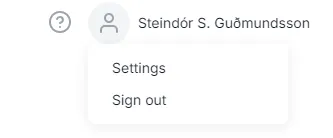
3. Click Enable Two-Factor Authentication
4. Follow the on screen instructions